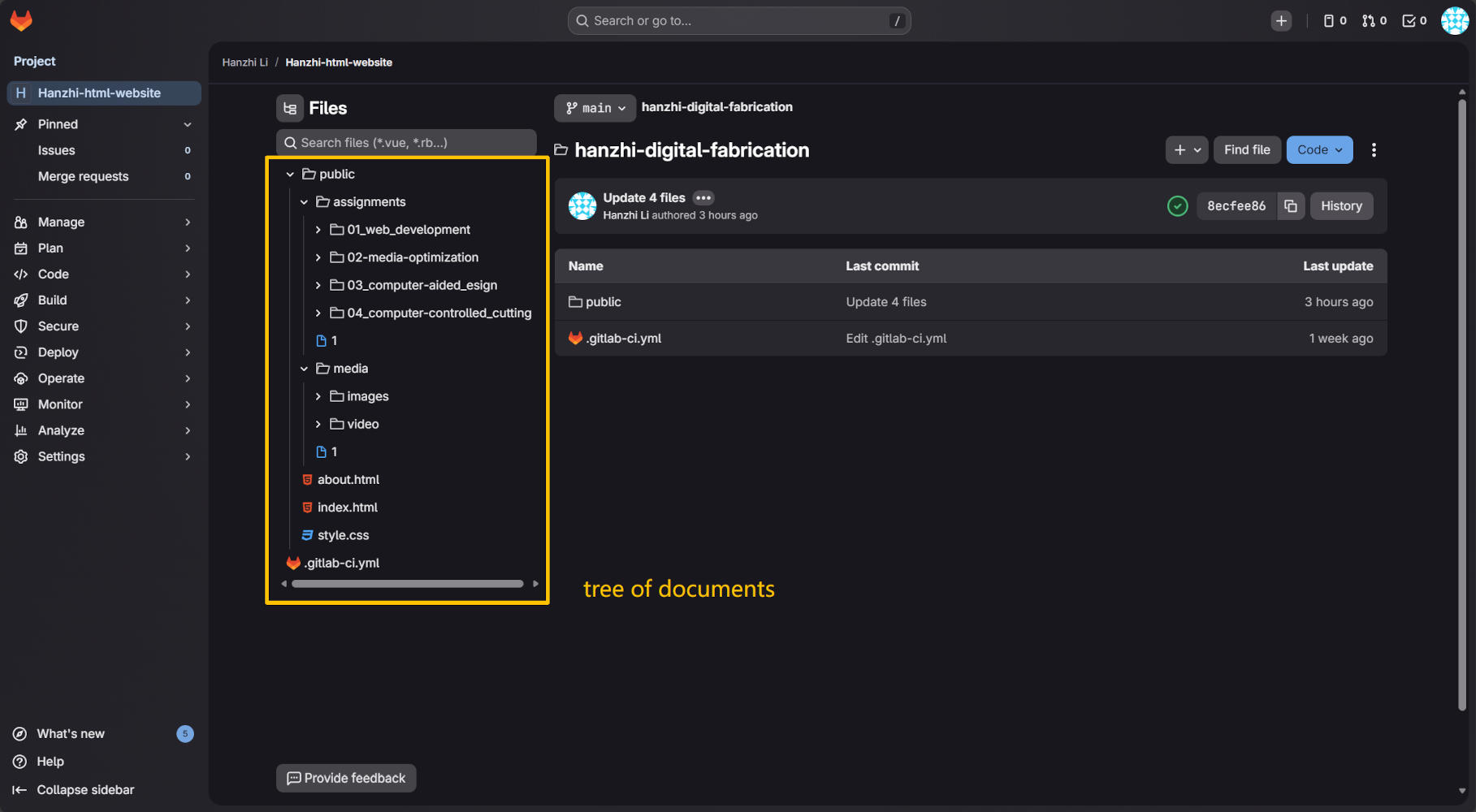
1. Screen Capture Process
To record how I work digitally, I took a screenshot of the GitLab repository interface. After taking the image using the system's screenshot tool, I imported the raw image into GIMP to optimize it. I added yellow lines to show specific folder structures. To meet web standards, the image width (actually is height) was precisely adjusted to 1000 pixels. It was finally exported as a JPG file with 75% compression. This process ensures the page loads quickly even on slow network connections, though I feel this operation does somewhat impact text readability.
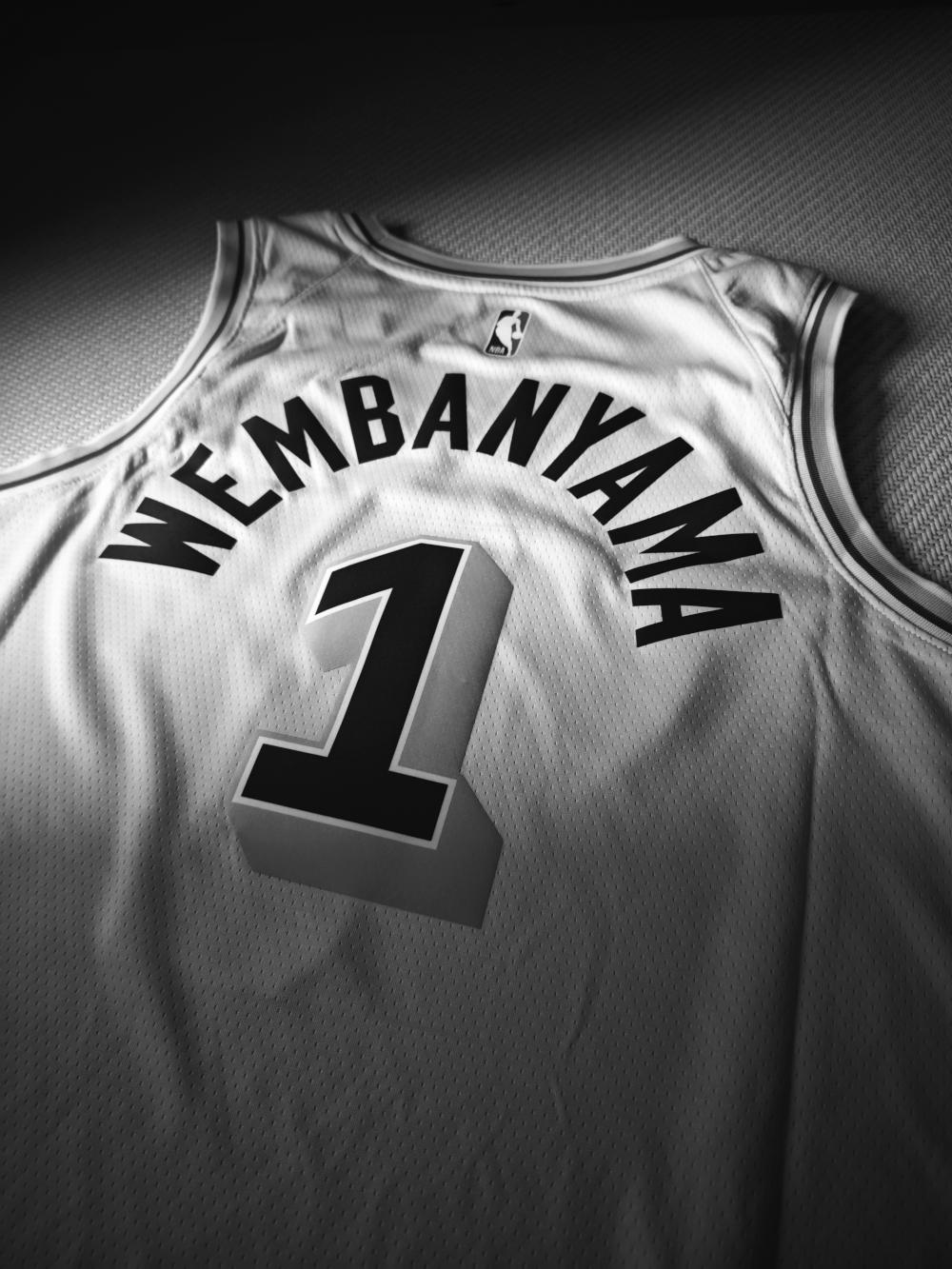
2. Photo Optimization
I used a photo of a jersey I had previously taken with my phone. The original file was large (over 9MB), making it unsuitable for web hosting. I processed the image using GIMP: First, I adjusted the width to 1000 pixels, with the height automatically resizing to 1333 pixels. Then I exported it as a JPG file with 75% quality. This setting resulted in minimal visual difference for this photo while compressing the file size to 153KB, achieving high storage efficiency. (This photo is larger so I changed the grid-column from 7/13 to 7/10.)
3. Video Optimization
I recorded a short video of flickering streetlights on my phone, capturing a passing excavator in the frame. The original 4K footage was approximately 22MB, so I compressed it using HandBrake. I selected the "Web Optimized" option to support progressive streaming, reduced the resolution to 720p (HD), and set the frame rate to 25fps (standard cinematic frame rate). Encoding was performed using a constant quality (RF) setting of 25. The audio bitrate was set to 128. The final file size was kept under 3MB. The video was embedded using HTML5's <video> tag with control buttons added, enabling native browser playback.
4. License & AI Policy
For this documentation website, I have chosen the Creative Commons Attribution-NonCommercial-NoDerivatives 4.0 International License (CC BY-NC-ND 4.0). This license allows others to view and share my work freely, provided they credit me, but it strictly prohibits commercial use and the distribution of modified versions. I believe this strikes the right balance for my current work, protecting the integrity of my original designs. I have added this copyright statement to the footer of my website.
Regarding Artificial Intelligence, I have decided not to implement an ai.txt file at this stage. As I am currently in a learning phase, I do not mind my data being accessible for now. However, I plan to reconsider this stance and potentially block web crawlers when I publish more significant, professional creative works in the future. In my workflow, I utilize AI tools strictly for coding assistance and technical explanations, while intentionally keeping the creative design process human-made to maintain personal authenticity.