1. Interactive Concepts
For my future personal projects, I want to use the embedded programming skills I learned this week to create interactive hardware controllers for computer games. Specifically, I hope to design a custom physical game controller that can directly link and communicate with my PC. By programming microcontrollers like the Seeed Studio XIAO RP2040, I can read sensor inputs—such as buttons or capacitive touchpads—and send these signals to a computer game. This hands-on interface would bridge the gap between digital software and physical interaction, making the gaming experience much more immersive. This week's QPAD board serves as a great prototype, as it already features touch inputs, NeoPixels, and an OLED screen that I could potentially program to act as a mini game console or a computer peripheral.
2. MicroPython Setup
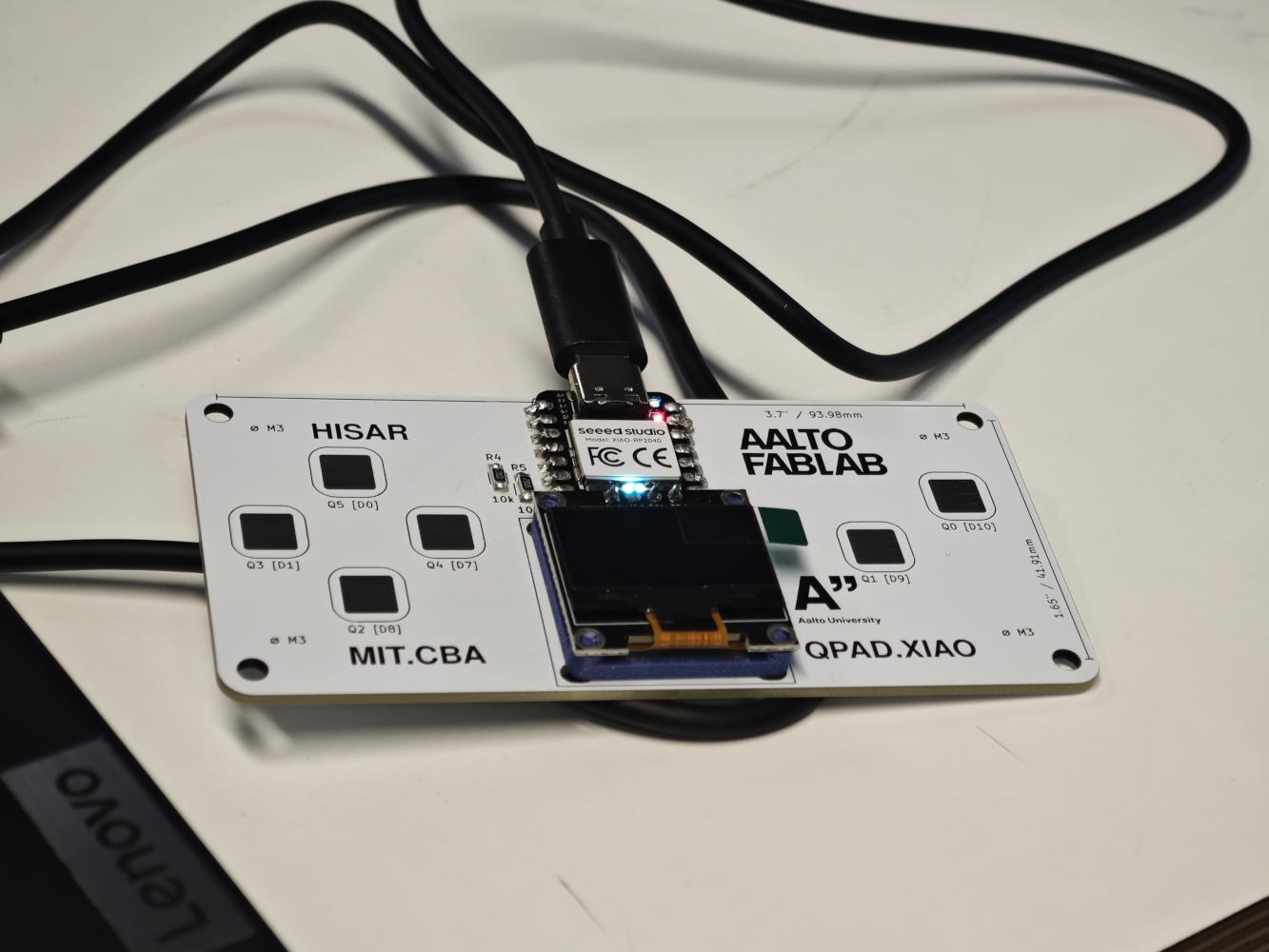
To start programming the microcontroller, I needed to set up the MicroPython toolchain. I chose to install Thonny, a beginner-friendly Integrated Development Environment (IDE) that works seamlessly with MicroPython. After installing the software, I connected my Seeed Studio XIAO RP2040 module to my computer using a USB-C cable. In Thonny, I configured the interpreter to correctly recognize the RP2040 board. To ensure the toolchain was working and my computer could successfully communicate with the board, I opened and ran a pre-made test file named hello_neopixel.py. This script is designed to test the onboard RGB LED. Upon executing the code in Thonny, the XIAO's built-in NeoPixel immediately started blinking with its default delay of 0.2 seconds between flashes. Seeing this physical output confirmed my programming environment was successfully set up.
3. Hardware Assembly
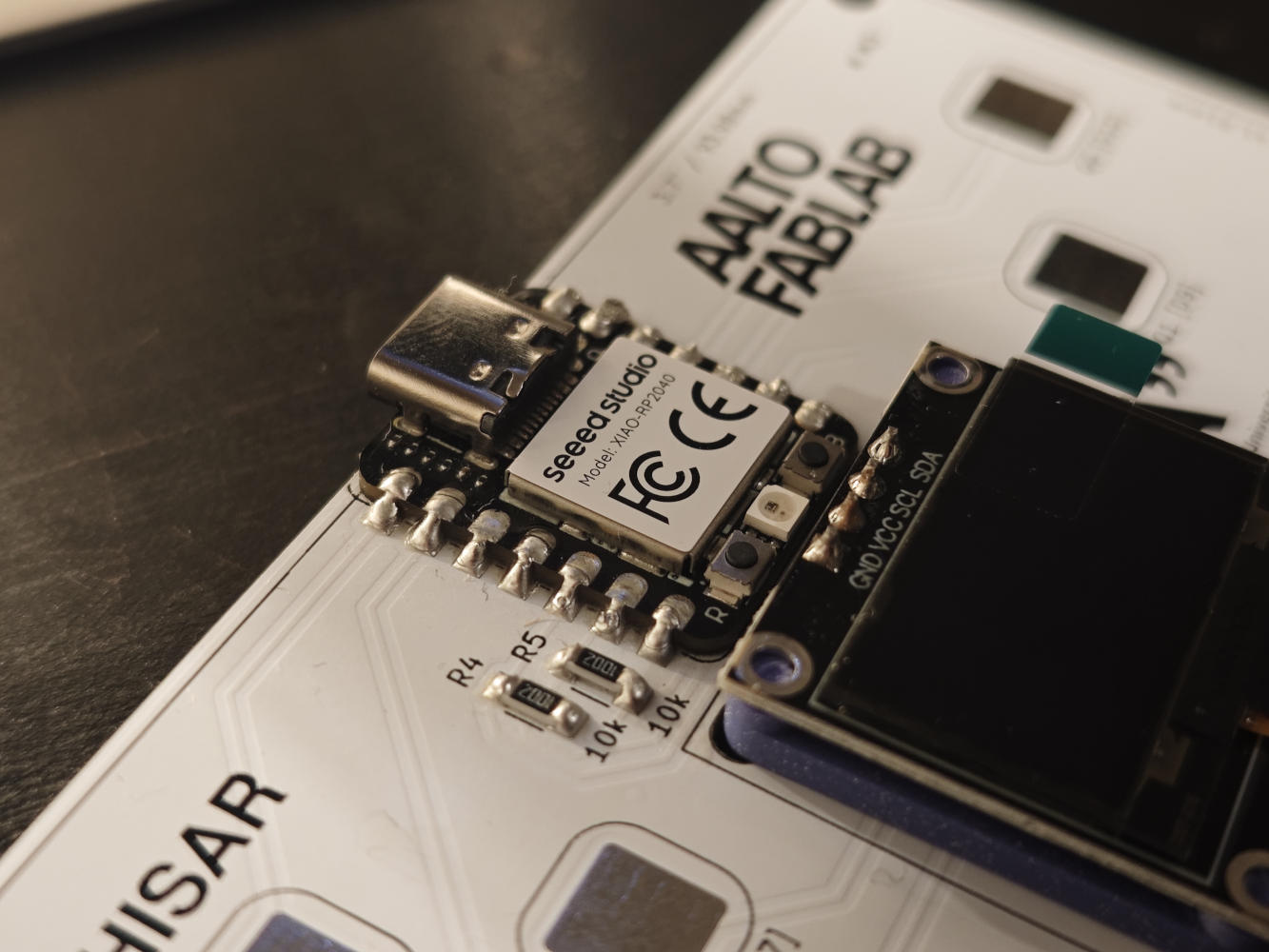
For the hardware assembly, since the Fablab soldering stations were fully occupied, I went to the Design Factory to solder the components onto my QPAD printed circuit board after grasping the basic workflow. The DF instructor specifically introduced a liquid auxiliary material called flux, explaining how it cleans metal surfaces and promotes solder flow. He also mentioned that the solder wire itself contains a rosin core to aid the melting process. Initially, I struggled because the molten solder wouldn't easily stick to the pads. Out of fear of short-circuiting the pins, I was extremely cautious, applying only a tiny amount of solder each time. However, as I became more familiar with the heating techniques and proper flux application, the operation became much smoother. Eventually, I went back to rework and add more solder to my earlier joints, ensuring solid electrical connections.
4. Peripheral Testing
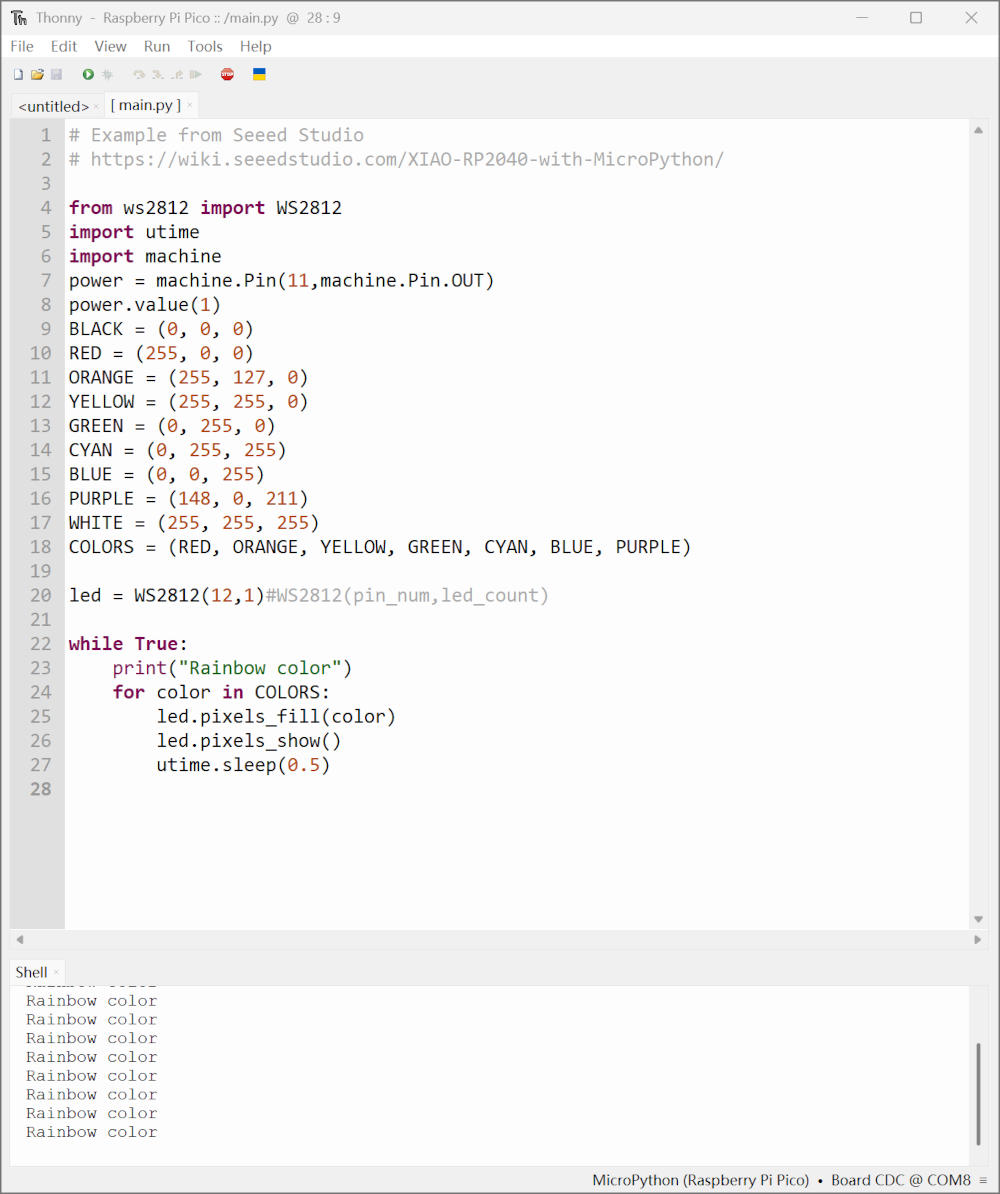
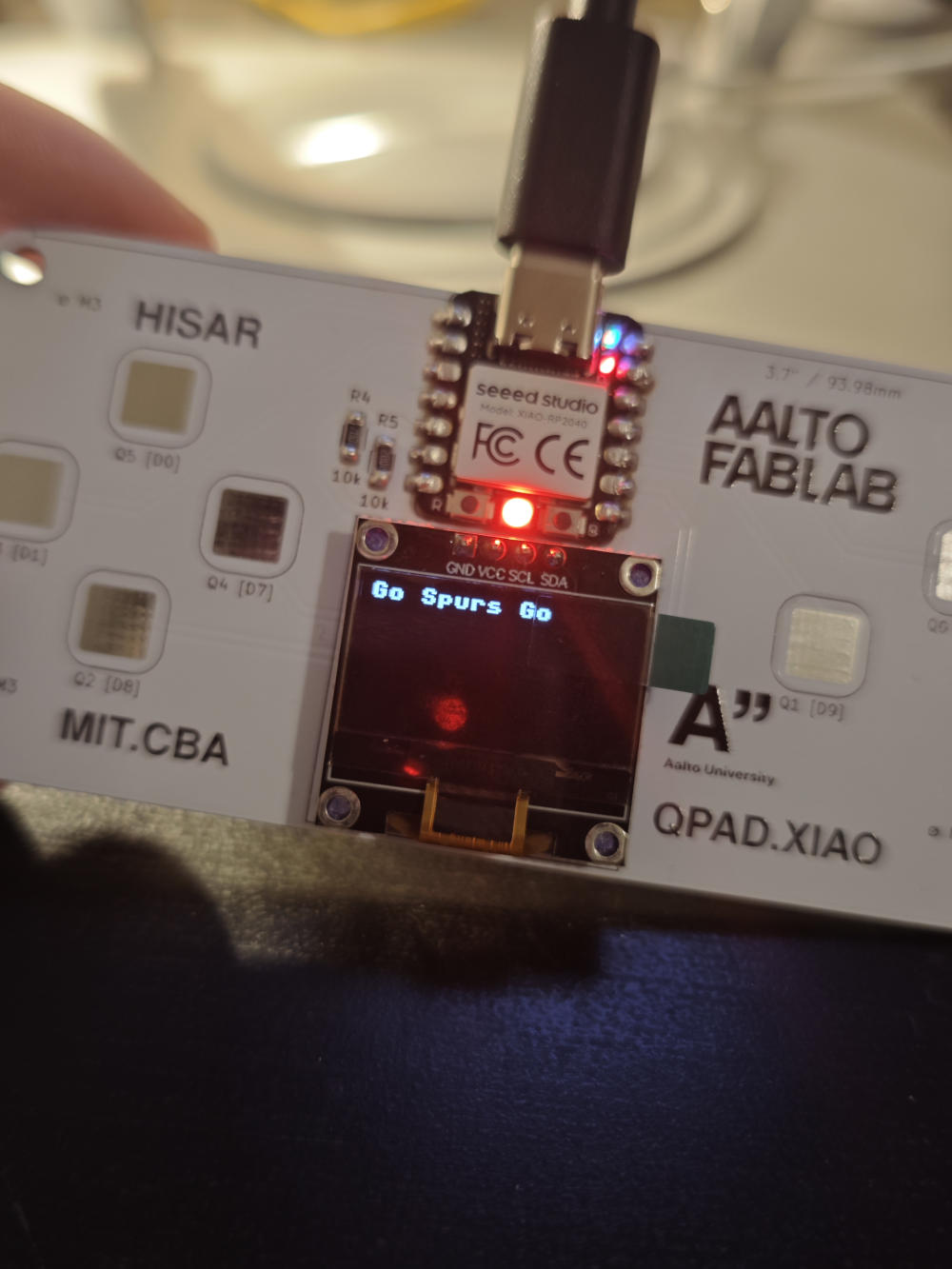
After successfully assembling the QPAD board, I tested and modified two different MicroPython library examples to learn how the peripherals work. First, I focused on the onboard NEOPIXEL LED. In the example code, I changed the sequence of the RGB values to follow the order of a rainbow. Additionally, I modified the time.sleep() parameter, changing the blinking speed from the default 0.2 seconds to a slower 0.5 seconds, making the color transitions more distinct. Next, I experimented with the OLED display module. I accessed the display library's text rendering function and replaced the default string with "Go Spurs Go". Running the script successfully updated the tiny screen with my custom message. These two modifications proved that I could easily control multiple hardware outputs using Thonny.
5. Interactive Game
For my final interactive program, I used an AI assistant to help me code a simple "floating mushroom" game in MicroPython. The game utilizes the QPAD's capacitive touch pads as a directional D-pad (up, down, left, right) to control a small character on the OLED screen. The objective is to navigate the screen and consume randomly spawned "food" particles to gain experience points. As the mushroom eats and levels up, its pixel sprite dynamically grows larger and more complex, progressing from a single pixel to a detailed multi-pixel shape. This project effectively combines touch sensor inputs with real-time OLED rendering, proving that the microcontroller can handle continuous game loops, coordinate tracking, and display updates simultaneously.